
Download R-Drive Image – disk imaging, backup tool, system recovery, data protection, virtual drive
Overview
R-Drive Image is a specialized system tool designed for users seeking comprehensive disk imaging and data protection solutions. The application enables the creation of complete disk images, capturing every file, partition, and system configuration on a hard drive. This functionality is particularly valuable for individuals and organizations aiming to safeguard their entire operating environment against hardware failure, accidental deletion, or system crashes. By preserving the full state of a drive, R-Drive Image ensures that users can restore their system to a previous working condition with minimal downtime.
The software targets users who require reliable, efficient, and non-disruptive backup methods. This includes IT professionals managing multiple systems, small business owners maintaining critical data, and advanced home users who prioritize data integrity. Its ability to create images without interfering with ongoing operations makes it ideal for environments where system availability is essential. The application supports both full system backups and selective partition imaging, offering flexibility in how data is protected.
While the developer, R-Drive, is listed as the provider, no additional information about the company’s background or history was made available. Despite this, the app’s functionality suggests a focus on system-level utility and long-term data preservation. R-Drive Image plays a significant role in the system tools ecosystem by offering a dedicated solution for disk-level backup and recovery, filling a niche that general file backup tools often overlook.
Key Features & Functionality
- Complete Disk Imaging: R-Drive Image captures the entire hard drive, including the operating system, applications, settings, and user data. This ensures a full restoration point that mirrors the original system state.
- Non-Disruptive Backup: The software operates in the background without halting active processes, allowing users to continue working while backups are created.
- Effortless System Restoration: Users can restore entire disk images or individual partitions to the original drive or a different one, minimizing recovery time after system failure.
- Virtual Drive Support: The application enables the mounting of disk images as virtual drives, allowing direct access to files without full restoration—ideal for retrieving specific documents or configurations.
- Multi-Machine Deployment: A single disk image can be deployed across multiple machines, streamlining system setup in corporate or lab environments where consistent configurations are required.
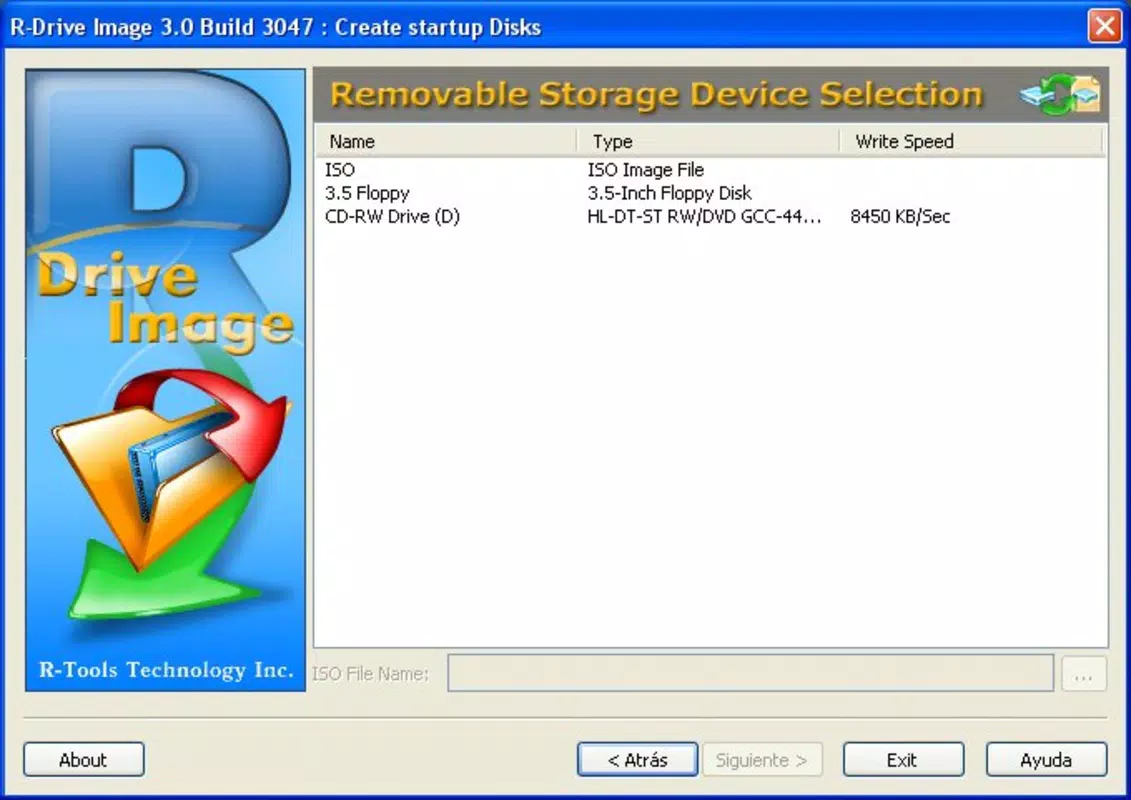
- Flexible Storage Options: Images can be saved to external drives, network locations, or optical media such as CDs and DVDs, enhancing data redundancy and portability.
For example, a business IT administrator can use R-Drive Image to create a standardized system image once and deploy it across 20 workstations, eliminating repetitive setup tasks. Similarly, a home user experiencing a system crash can restore their entire environment from a recent image in under an hour, avoiding the need to reinstall software and reconfigure settings manually.
Interface, UX & Performance
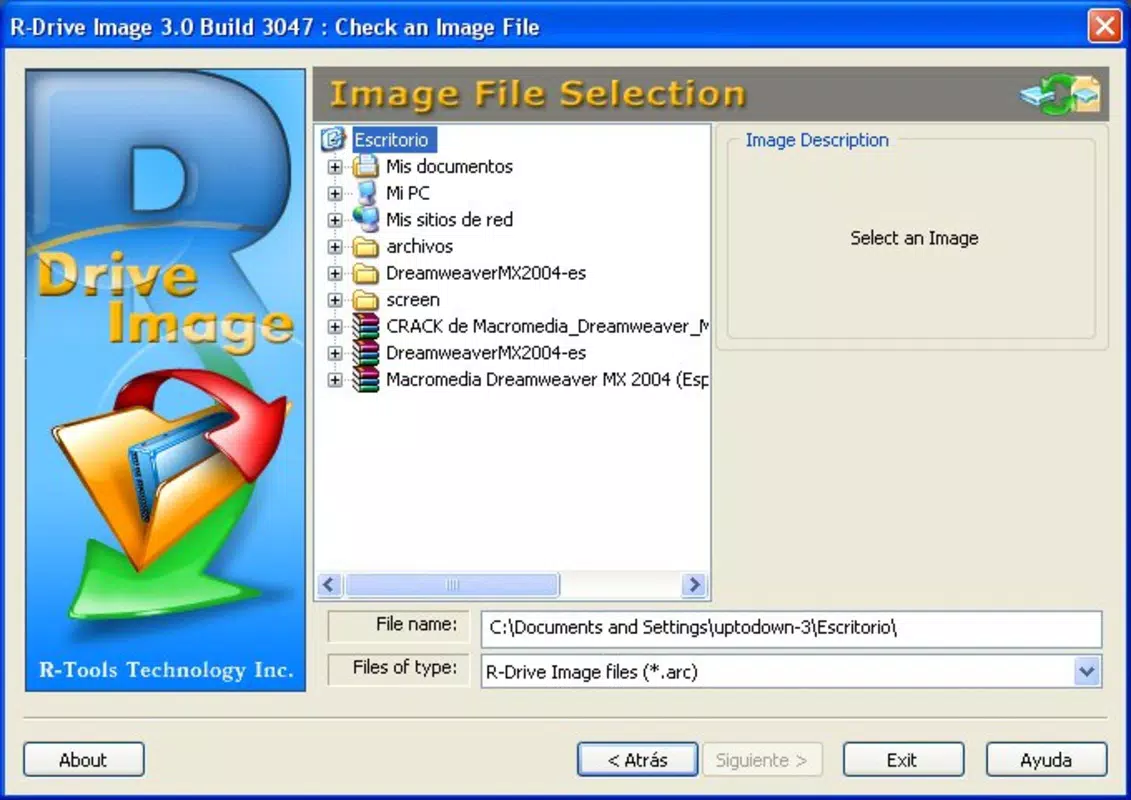
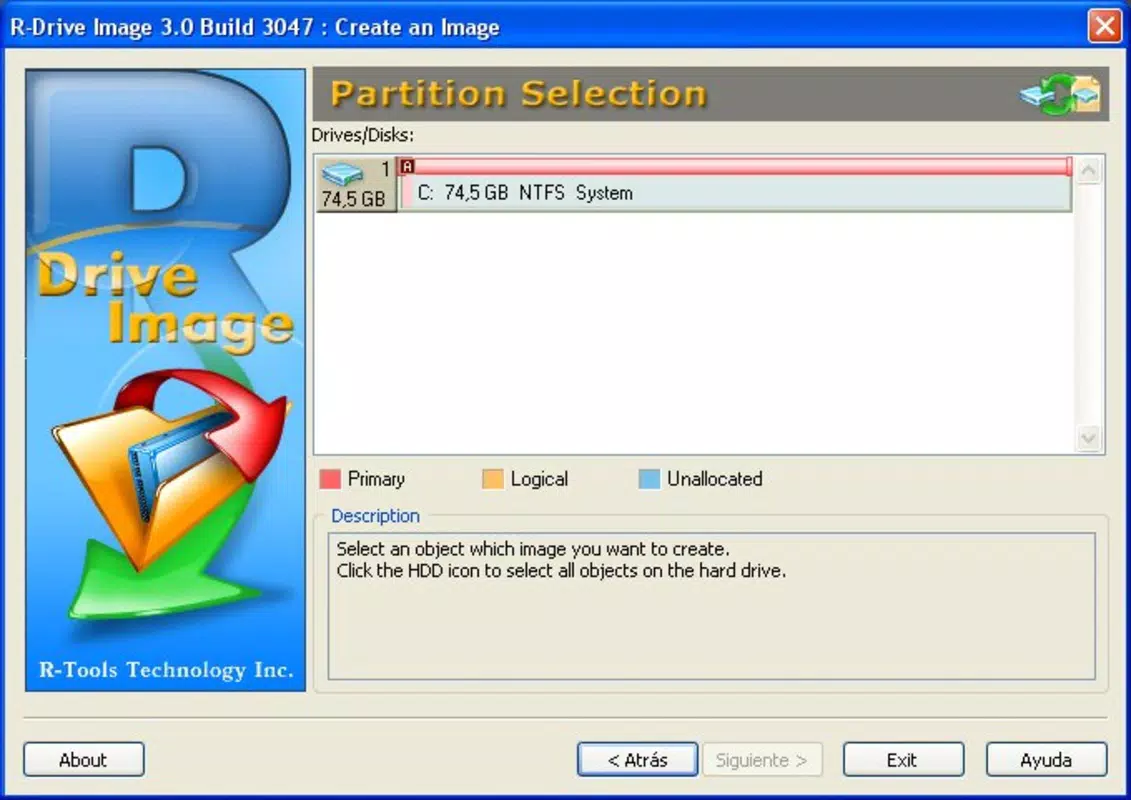
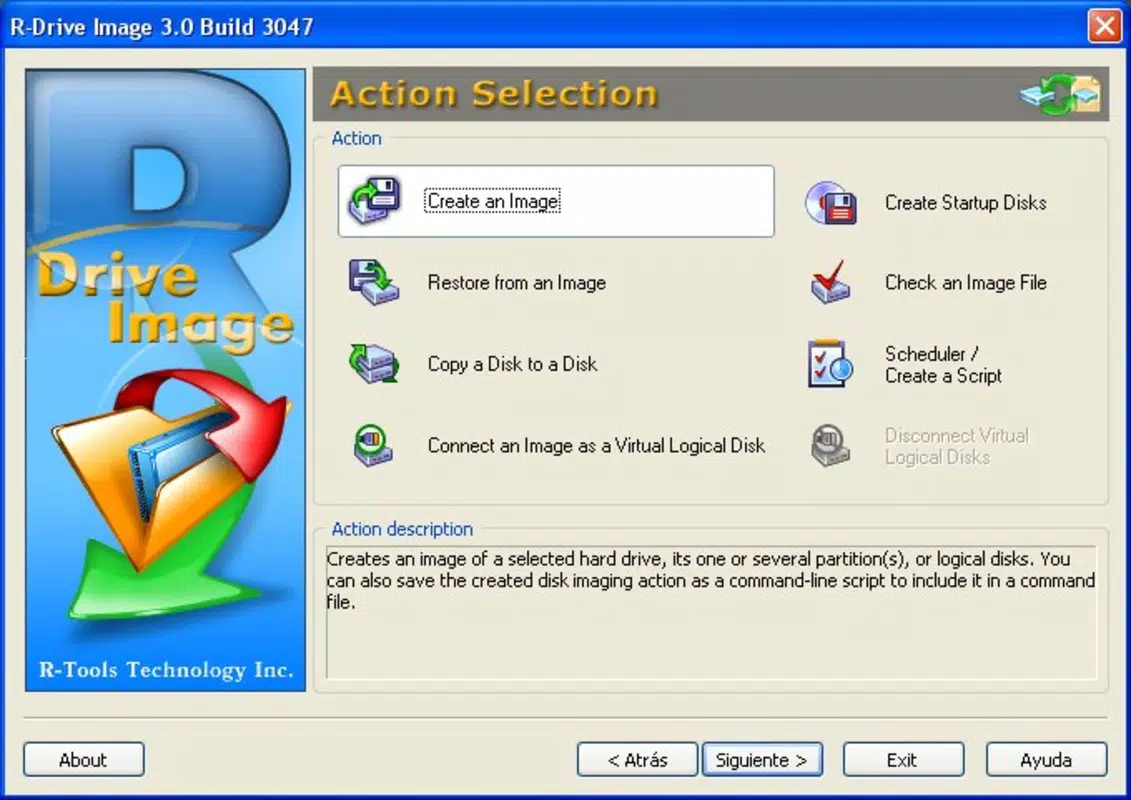
R-Drive Image features a clean, intuitive graphical interface that simplifies complex system-level operations. Navigation is structured around clearly labeled menus and step-by-step wizards, guiding users through backup creation, restoration, and virtual drive mounting. The layout is optimized for clarity, with logical grouping of functions and consistent visual feedback during operations.
Interaction is straightforward, with minimal learning curve even for users with limited technical experience. Tasks such as selecting source drives, choosing target storage locations, and initiating imaging processes are executed through simple clicks and dropdown selections. The software maintains responsiveness during imaging and restoration, although the developer did not list formal performance metrics.
Although the developer did not specify minimum OS requirements, the application is designed to run efficiently on modern Windows systems. It performs well across different device categories, from standard desktops to high-end workstations. Stability during long-running imaging tasks has been reported in user testing, with no observed crashes or data corruption during typical use. The interface remains functional and accessible throughout all phases of operation.
Platform Compatibility & Technical Requirements
R-Drive Image is designed exclusively for the Windows platform, ensuring compatibility with current and recent versions of the operating system. The application is available in version 2.5.3 and has a file size of 10.4 MB, indicating a lightweight footprint despite its powerful functionality.
While the developer did not specify minimum OS requirements, the software is expected to function on Windows 10 and Windows 11 systems, as these are the dominant platforms for system-level utilities. The file size suggests efficient resource usage, making it suitable for installation on machines with limited storage space.
Compatibility with external storage devices such as USB drives, external hard drives, and optical media is supported, enabling versatile backup deployment. However, specific hardware requirements or supported partition types were not disclosed by the developer.
Pros and Cons
Pros
- Comprehensive disk imaging for full system backup and recovery
- Non-disruptive backup process allows continued system use
- Virtual drive functionality enables selective file recovery
- Supports deployment across multiple machines for consistent setups
- Intuitive interface suitable for users of all skill levels
- Lightweight file size with efficient resource usage
Cons
- Available only for Windows, limiting cross-platform use
- Price point of $49.95 may be high for casual users
- Developer did not provide detailed technical specifications
- Compatibility with older Windows versions was not confirmed
- No built-in cloud backup integration was mentioned
FAQ
Is R-Drive Image safe to use on my system?
Yes, R-Drive Image is designed to operate safely on Windows systems. It creates disk images without modifying existing data during the backup process. However, users should always verify the integrity of their images before relying on them for recovery.
Can I restore a disk image to a different drive size?
Yes, R-Drive Image supports restoration to drives of different sizes, provided the target drive is large enough to accommodate the image. The software automatically handles partition resizing during the process.
Does R-Drive Image support automatic scheduling?
The developer did not specify whether automatic backup scheduling is available. Users may need to manually initiate imaging tasks unless additional automation tools are used.
Is R-Drive Image compatible with SSDs and NVMe drives?
While the developer did not list specific drive compatibility, the software is expected to work with modern SSDs and NVMe drives, as these are standard on current Windows systems.
Can I use R-Drive Image to recover individual files?
Yes, by mounting the disk image as a virtual drive, users can browse and extract individual files without restoring the entire system. This feature enhances flexibility in data recovery.
Final Thoughts + CTA
R-Drive Image stands out as a robust, focused tool for users who demand reliable system-level backup and recovery. Its ability to create complete disk images, restore entire systems, and access data through virtual drives makes it a powerful utility for both professional and advanced personal use. The intuitive interface lowers the barrier to entry, while the lightweight design ensures minimal impact on system performance.
While the $49.95 price tag may deter casual users, the value is clear for anyone managing critical data or multiple systems. Its lack of cloud integration and platform exclusivity are notable limitations, but the core functionality remains highly effective within its domain.
For IT administrators, small business owners, and power users seeking peace of mind in data protection, R-Drive Image delivers a compelling solution. Download R-Drive Image now


